Best PowerPoint Templates: The Business Casual template by SlideCow is one of our top favorite PowerPoint templates you can find online.
This post contains some affiliate links. That means that if you buy this template we may make a small commission (which we are very grateful for) at no extra cost to you.
The Business Casual Template
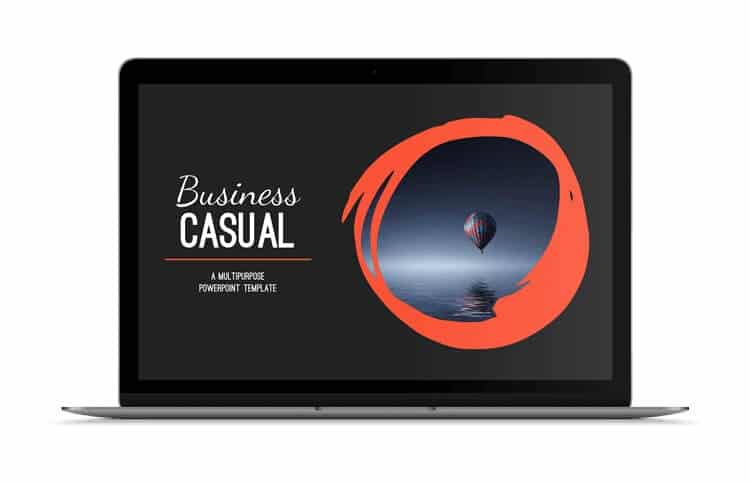
Check out the Business Casual PowerPoint Template by SlideCow.
We love this template by SlideCow because it’s not only modern and fun, with its cool custom font and its hand-drawn graphics, but it’s also built using a dark background.
This makes it great for presenting in a large room because the dark color is easier on the eyes than a bright white (which can be blinding).
This 65-slide professional template is guaranteed to make your business presentation look stylish and engaging.
As with all SlideCow templates, this one also comes with tips for how to best use many of the slides. Tips include how to add/edit pictures, how to layer graphics on the slide, and how to adjust the formatting of certain design elements.
How to best use this template
This template is best used for live presentations, due to its grey background, which is perfect for dark conference rooms or auditoriums.
Also, its design is big, bold, and eye-catching, allowing you to present your information in chunks and keep your audience engaged.
You can absolutely use this template for a ‘slide-doc,’ but you may want to double-check the grayscale settings in case your presentation needs to be printed (this will save you a lot of ink).
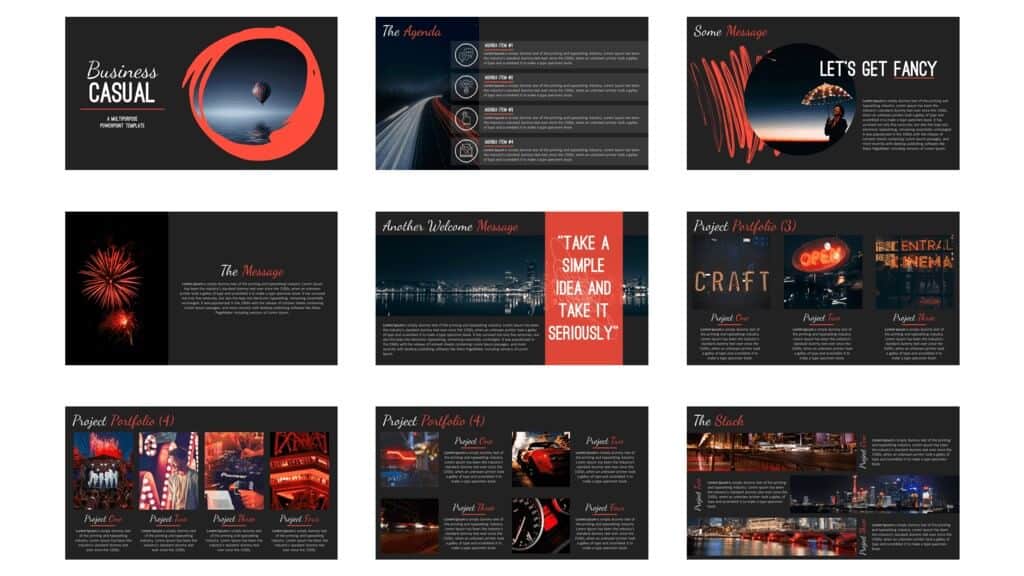
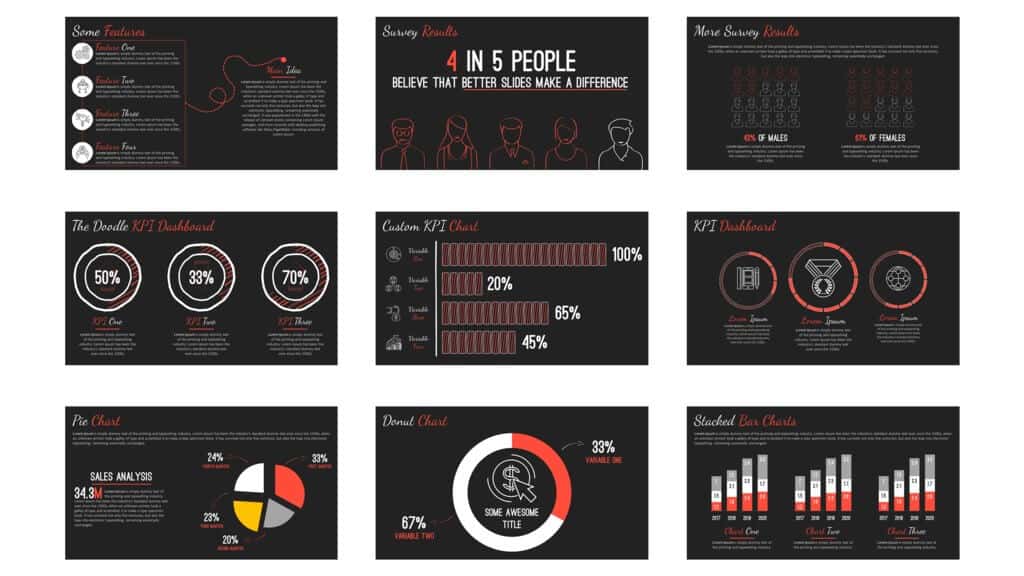
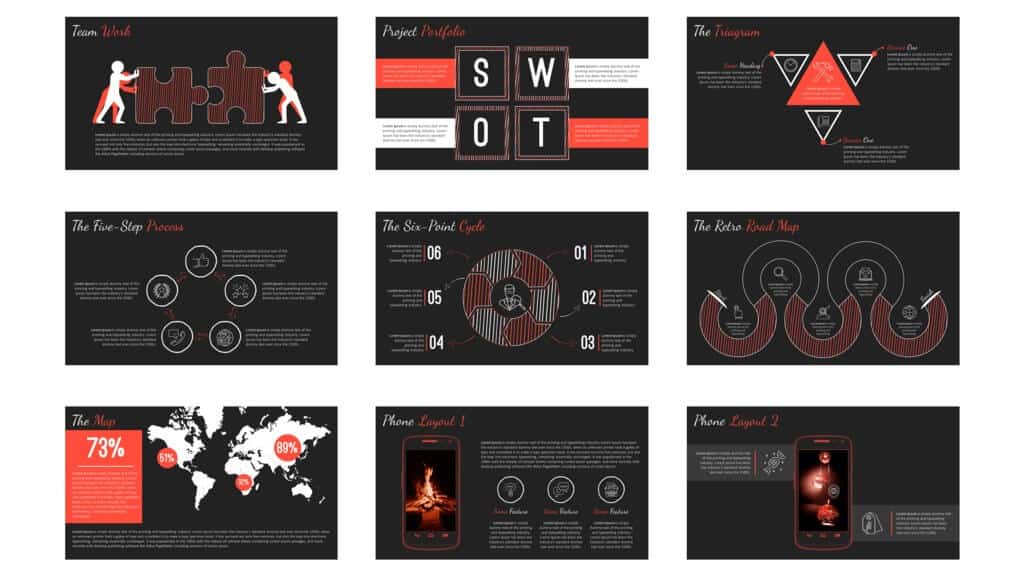
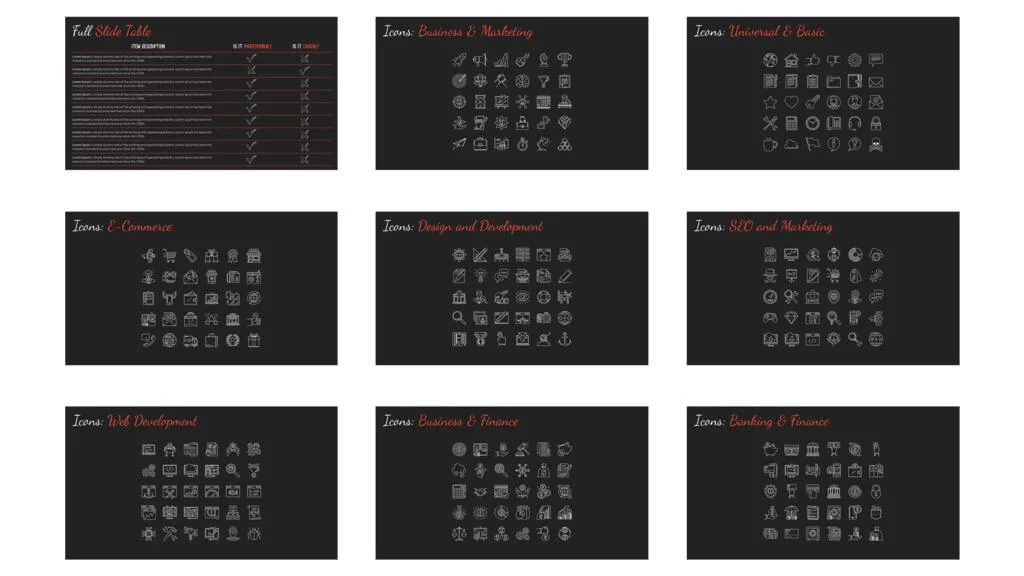
Business Casual Slide Examples
You can click the pictures below to learn more about the slides on SlideCow’s website.
More PowerPoint template reviews
If you’d like to see a preview of this Business Casual template by SlideCow, as well as other templates that Camille recommends checking out, watch the short video below.
For more, see our full list of the best places to find PowerPoint templates online (that we recommend).
About the Author

Camille Holden
Co-Founder, Nuts & Bolts Speed Training
Camille Holden is a PowerPoint expert, a trainer and a presentation designer. After years working in the trenches, fine-tuning hundreds of her colleagues' last minute panic-attack presentations, Camille cultivated her PowerPoint skills through tricks, work-arounds, and fine-tuned techniques for getting more done. When she's not helping clients build gorgeous and functional presentations, you can find her singing jazz or doing yoga.