The Switch template is one of our favorite PowerPoint templates you can find online. To see which other templates we recommend checking out, read our guide here.
This post contains some affiliate links. That means that if you buy this template by Inspiradesign, we may make a small commission (which we are very grateful for) at no extra cost to you.The Switch Template
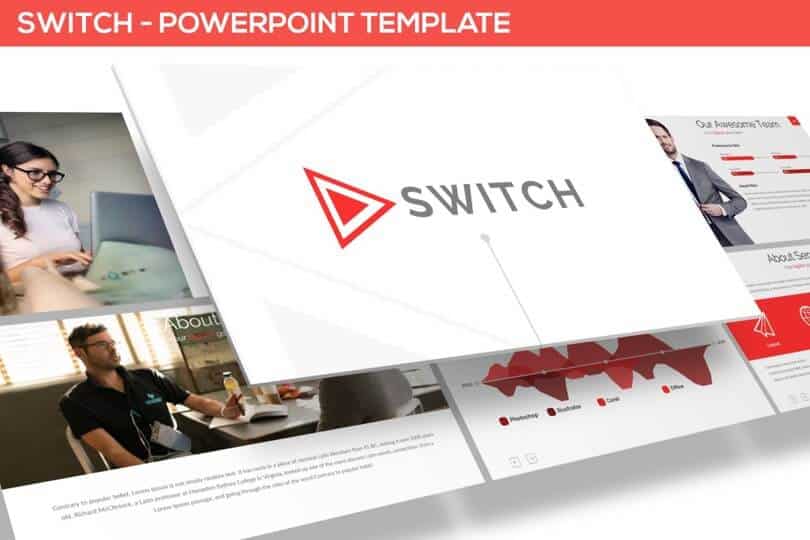
Check out the Switch Template by inspiradesign.
The Switch template by inspiradesign on Envato Elements is another example of a well-built professional template that you can use in many different situations. We love the colorful design elements and flair that make this presentation fit nicely into the marketing design ethos of today.
Also, all the elements are colored using the template’s theme, meaning that you can easily switch to any colors you choose, including your own custom color palette.
And once again, almost all of the elements (including the infographics) are built directly within PowerPoint, meaning that you can easily adjust and customize them.
This template includes:
- 30 unique slides
- All graphics are resizable and editable
- Picture placeholder, drag & drop
- Dark & light backgrounds and 3 pre-built color themes to choose from
How to best use this template:
This template is quite versatile and contains slides for most types of situations.
However, it’s most likely a best fit for presentations that are used as documents, or Slidedocs as Nancy Duarte calls them, which are meant to be emailed, printed, and/or used as collateral, rather than projected.
Example slides from the Switch template:
You can click the picture below to learn more about the Switch template on Envato’s website.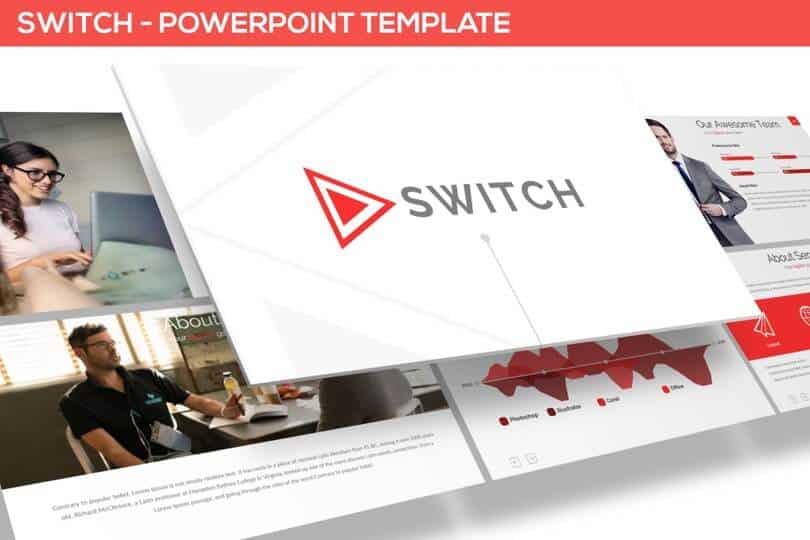
Download the Switch Template by Inspiradesign.
Other PowerPoint template reviews
If you’d like to see a preview, as well as Camille’s review, of the Switch template, watch the video below.To see a full list of the best places to find PowerPoint templates online (that we recommend), read our article here.
About the Author

Camille Holden
Co-Founder, Nuts & Bolts Speed Training
Camille Holden is a PowerPoint expert, a trainer and a presentation designer. After years working in the trenches, fine-tuning hundreds of her colleagues' last minute panic-attack presentations, Camille cultivated her PowerPoint skills through tricks, work-arounds, and fine-tuned techniques for getting more done. When she's not helping clients build gorgeous and functional presentations, you can find her singing jazz or doing yoga.