The Sleek template by SlideCow is one of our favorite PowerPoint templates that you can find online. To see which other templates we recommend, check out our guide to the best places to find professional PowerPoint templates.
This post contains some affiliate links. That means that if you buy this template by SlideCow, we may make a small commission (which we are very grateful for) at no extra cost to you.
The Sleek PowerPoint Template
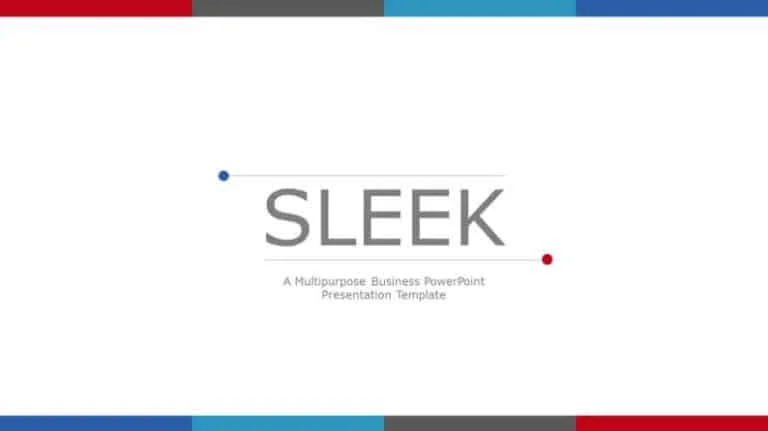
Check out the Sleek PowerPoint Template by SlideCow.
This template by SlideCow is a great professional template for a number of reasons:
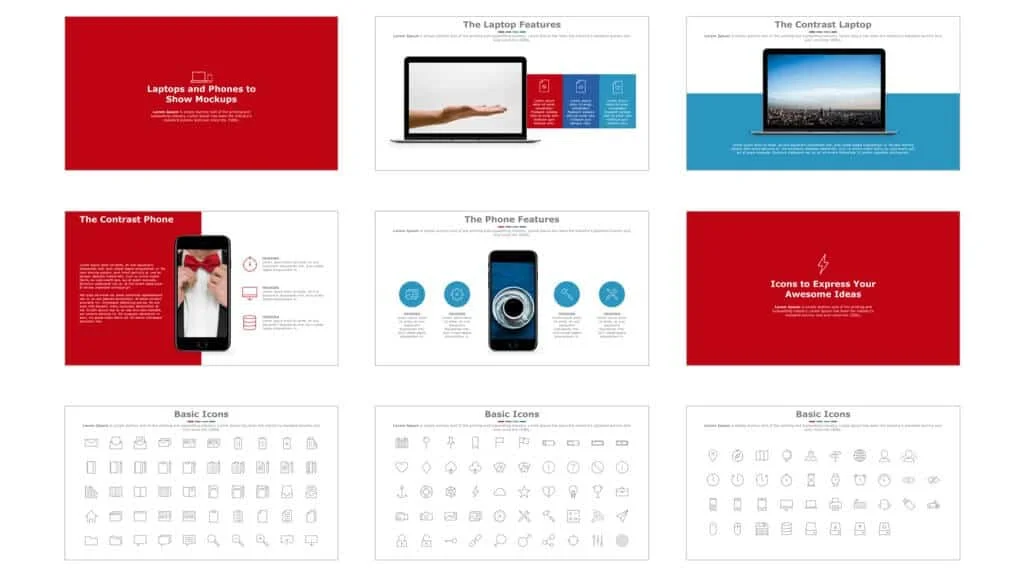
The slide design is sleek and minimalist, as its name suggests, giving it a modern look and a professional polish;
The style is bold, with its simple use of strong colors to highlight your points.
The template gives you ample room for lots of text and data, as is often needed in business presentations.
Keep in mind that this template was not created in the Slide Master, so it’s technically what we call a fake PowerPoint template. For this reason, I recommend using this template more for inspiration and slide design, or for one-off presentations.
How to best use this template:
We recommend you use this template for presentations that are used as documents, or Slidedocs as Nancy Duarte calls them, which are meant to be emailed, printed, and/or used as collateral, rather than projected.
That’s because the slides are fairly content-heavy, meaning that the viewer is expected to be able to read the slides, rather than simply listen to the speaker.
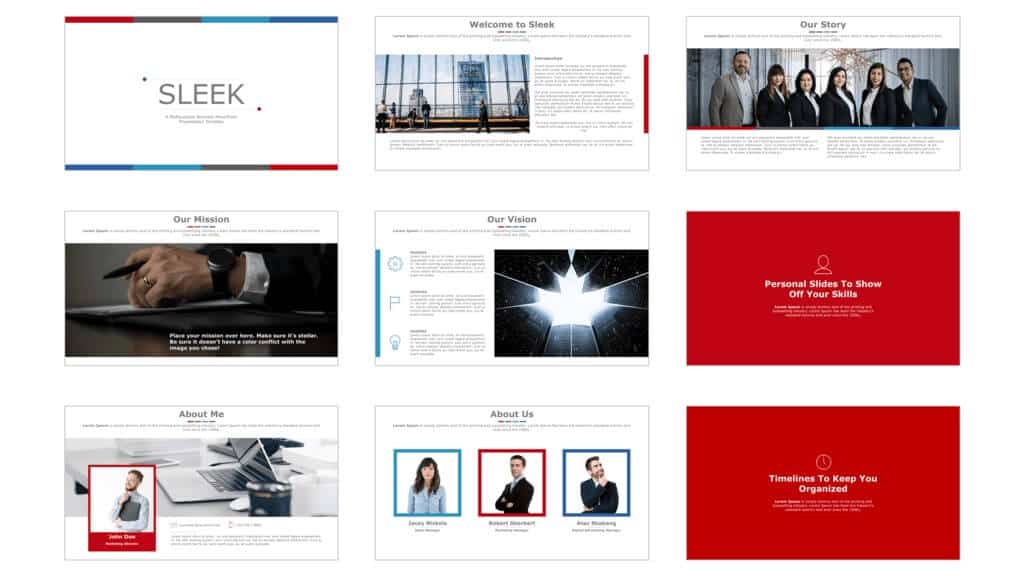
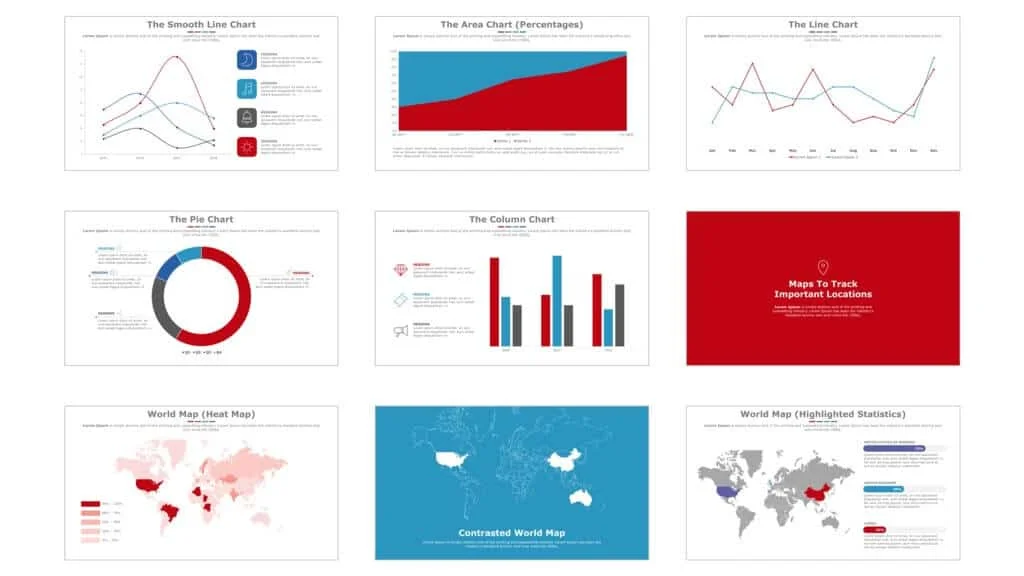
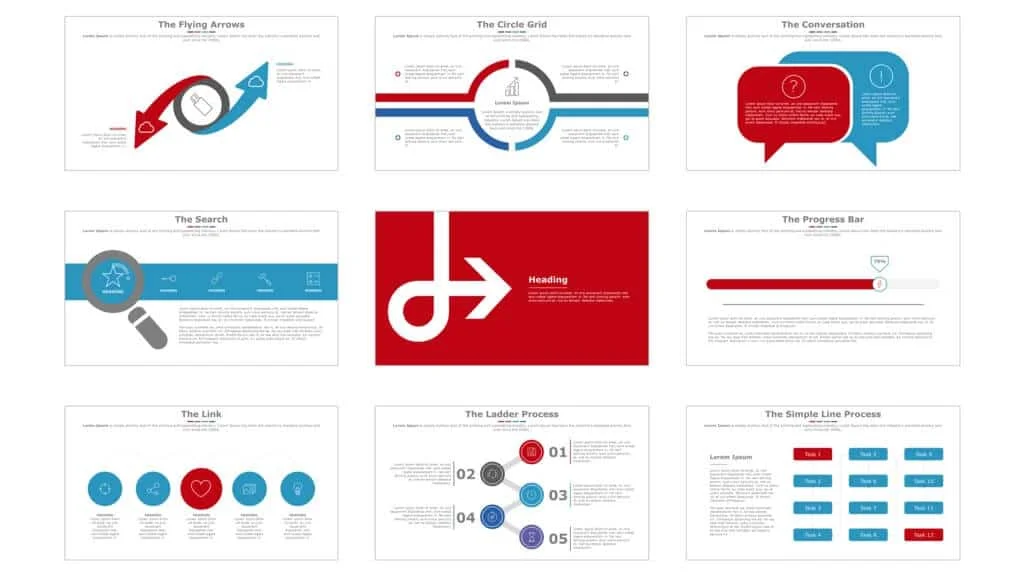
Example slides from the Sleek Template
You can click on the pictures below to learn more about the slides on SlideCow’s website.
More PowerPoint template reviews
If you’d like to see a preview of the Sleek template, as well as other templates that Camille recommends checking out, watch the short video below.
If you like the look of Sleek but need a template that’s properly built for repeated use, you can also create your own PowerPoint template using the Slide Master, theme colors, fonts, and layouts.
About the Author

Camille Holden
Co-Founder, Nuts & Bolts Speed Training
Camille Holden is a PowerPoint expert, a trainer and a presentation designer. After years working in the trenches, fine-tuning hundreds of her colleagues' last minute panic-attack presentations, Camille cultivated her PowerPoint skills through tricks, work-arounds, and fine-tuned techniques for getting more done. When she's not helping clients build gorgeous and functional presentations, you can find her singing jazz or doing yoga.