The Reem template by Slide Cow is one of our favorite PowerPoint templates that you can find online. To see which other templates we recommend, check out our guide to the best places to find professional PowerPoint templates.
This post contains some affiliate links. That means that if you buy this template from Slide Cow, we may make a small commission (which we are very grateful for) at no extra cost to you.
The Reem PowerPoint Template
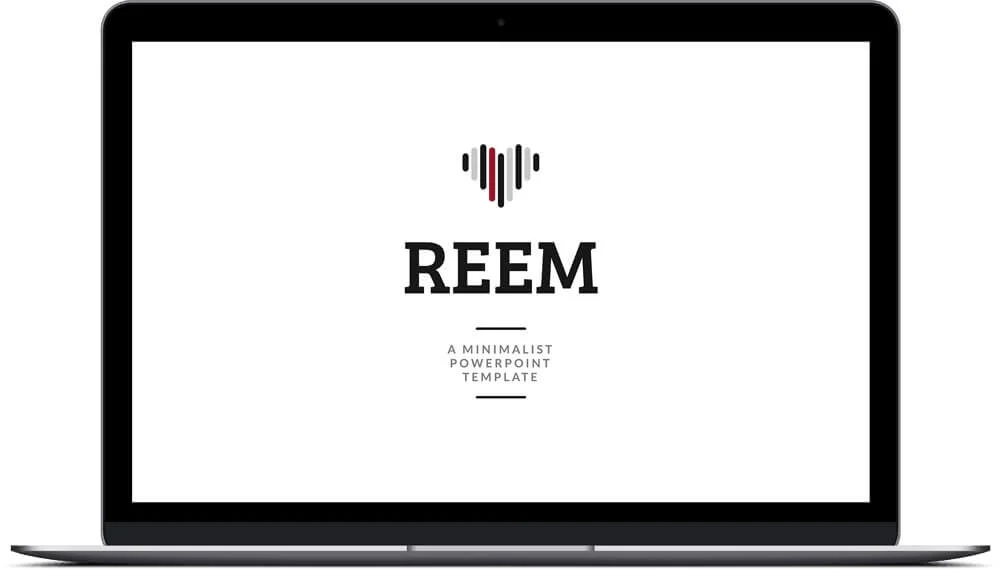
Check out the Reem PowerPoint Template by SlideCow.
This template is the queen of all the SlideCow templates, and we just love it!
It’s a gorgeous, minimalist PowerPoint template that has everything you need to deliver a stunning presentation. It’s so beautiful that its creator named it after his lovely wife. If you’re not sure what separates a real PowerPoint template from a collection of predesigned slides, I break that down here.
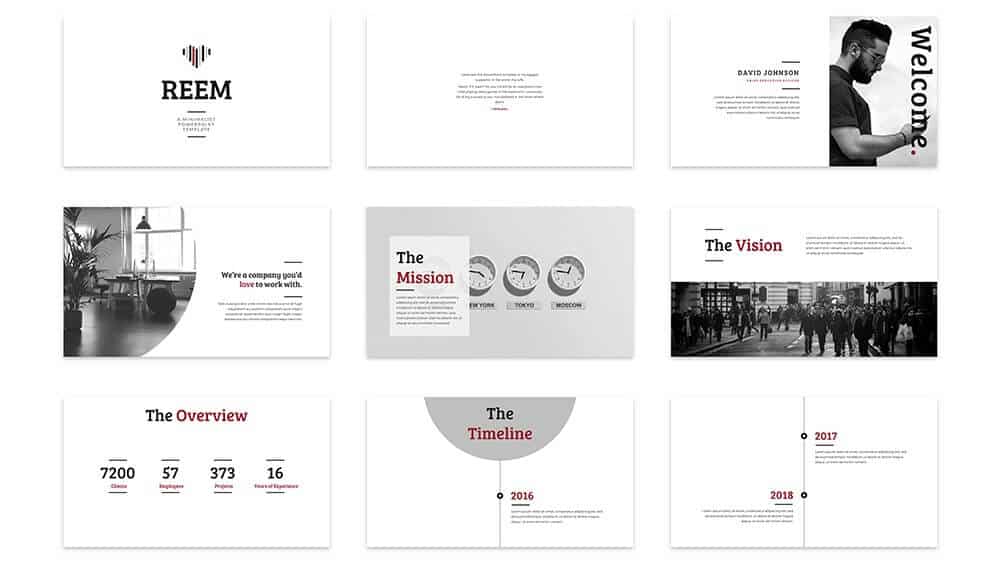
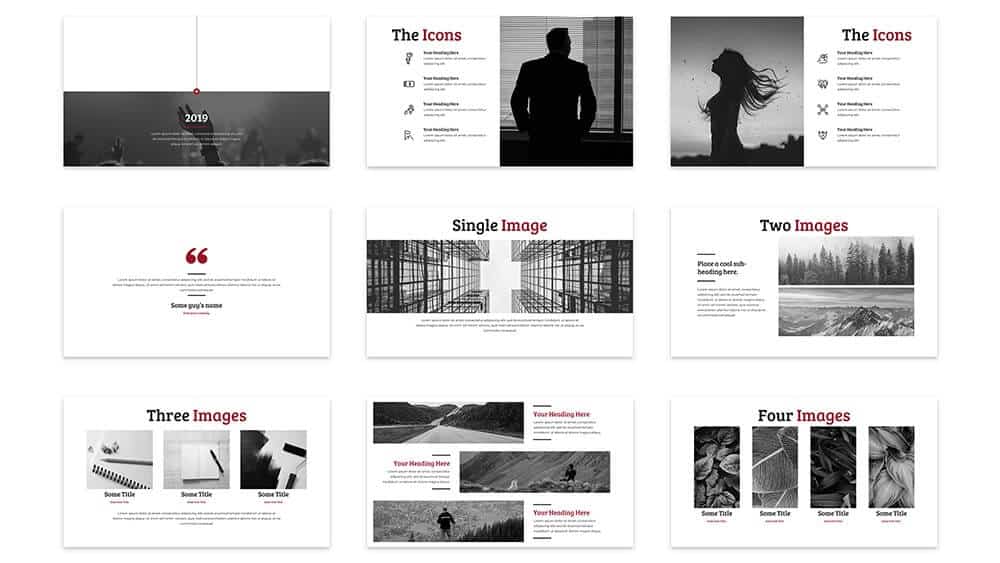
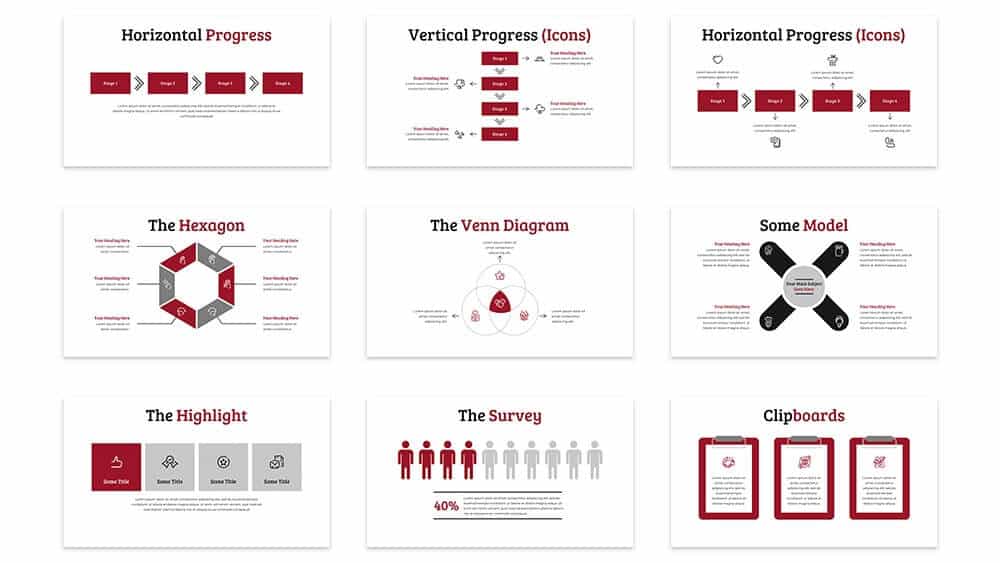
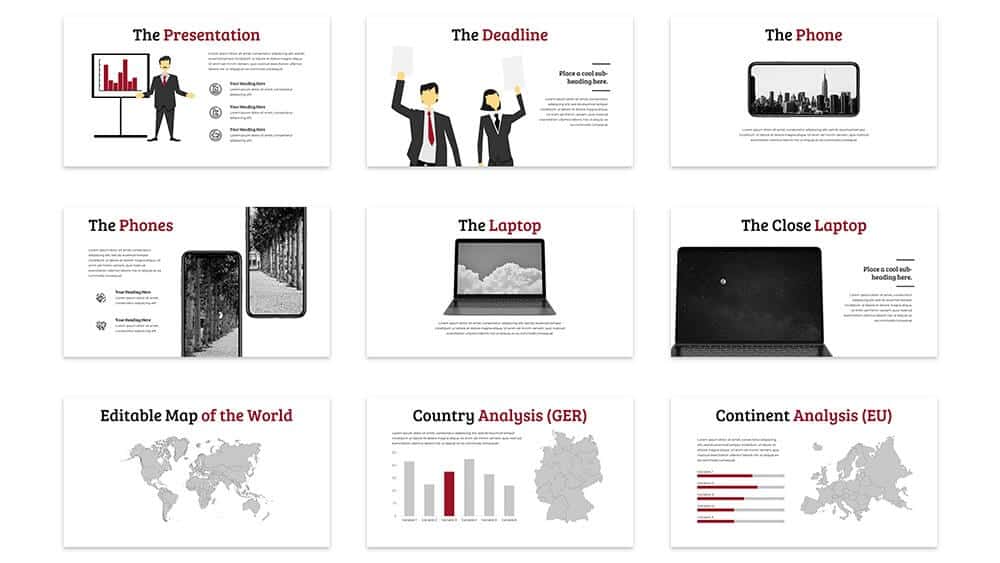
The template is built in black, white and dark red and is suitable for just about any corporate presentation you can imagine. It also includes some beautiful photographs, icons, maps, graphics and charts that you can use in your own slides.
How to best use the Reem template
We would recommend this template for just about any presentation you might want to give.
It’s minimalist enough for a Ted-style presentation, while still being robust enough for a webinar or printed presentation if that’s what you want to use it for.
You can see an example of the slides below.
Example slides from the Reem template
You can click the pictures below to learn more about the slides on SlideCow’s website.
More PowerPoint template reviews
If you’d like to see a preview of the Reem template by SlideCow, as well as other templates that Camille recommends checking out, watch the video below.
To see a full list of the best places to find PowerPoint templates online (that we recommend), read our article here.
Like the Reem design but need it to match your own brand? Learn how to create and customize a PowerPoint template with your own colors, fonts, layouts, and branding.
About the Author

Camille Holden
Co-Founder, Nuts & Bolts Speed Training
Camille Holden is a PowerPoint expert, a trainer and a presentation designer. After years working in the trenches, fine-tuning hundreds of her colleagues' last minute panic-attack presentations, Camille cultivated her PowerPoint skills through tricks, work-arounds, and fine-tuned techniques for getting more done. When she's not helping clients build gorgeous and functional presentations, you can find her singing jazz or doing yoga.