Best PowerPoint Templates: The Basset template is one of our favorite PowerPoint templates you can find online (and it’s free).
To see which other templates we recommend (and why we like them so much), read our guide here.
The Basset PowerPoint template
This template by SlidesCarnival is very simple and elegant, yet cheerful. On top of that it allows for a range of types of content.
Overall the template stays professional yet casual, by incorporating sleek architectural images and elements, as well as bold colors and fun icons.
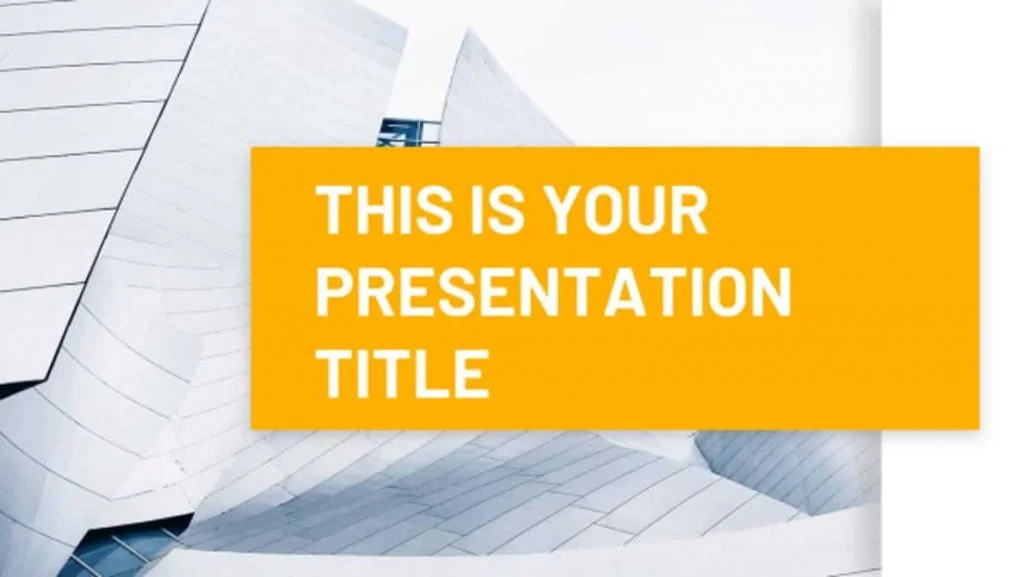
Check out the Basset Presentation Template by SlidesCarnival.
How to best use the Basset template:
The Basset template is best used for live seminars or webinar presentations, delivered by one or two people. Alternatively, it could be used as a training booklet for new customers or employees.
Keep in mind that to change the background images inside this template, you’ll need to change the background on the Slide Master and/or format the background individually on each slide.
When you do so, make sure to use a light picture, or create white space around the side of the picture, so that you can read the text placed on top (otherwise it might be illegible).
While this is a free PowerPoint template, if you are creating a template for your team or company, I recommend investing in a more robust (and properly built) template like one from Envato or SlideCow.
That’s because those templates will be properly built on the slide master, making it easier for you and your team to work with and edit.
Example slides from the Basset template:
You can click the slides below to learn more about the template on the Slides Carnival website.
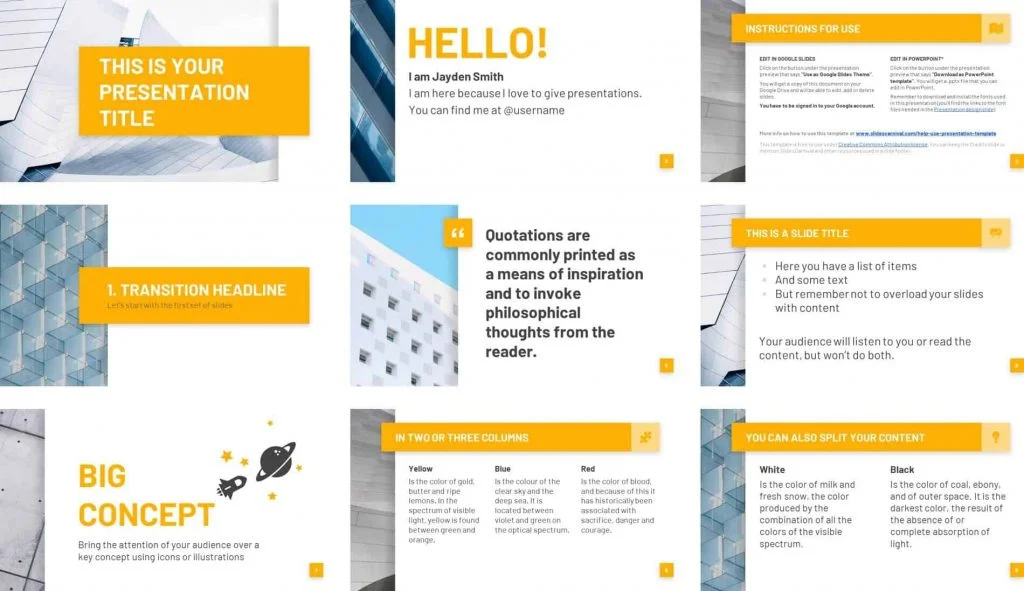
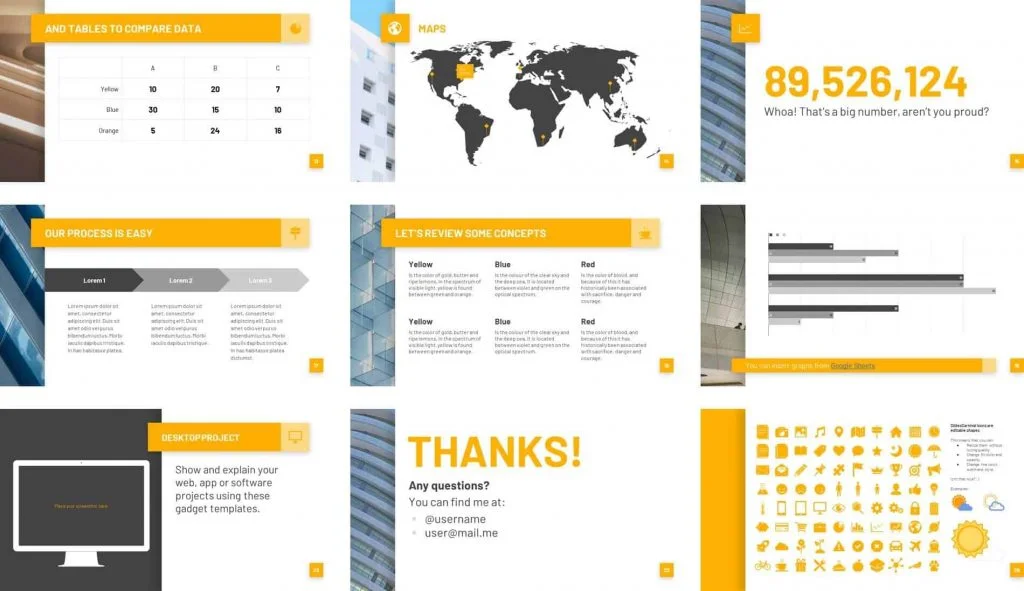
Download the free Basset template by SlidesCarnival here.
Basset preview & review
If you’d like to see a preview and review of the Basset template (and see other PowerPoint templates we recommend checking out), click play to see Camille’s full review.
To see a full list of our favorite PowerPoint templates (and why we like them so much).
About the Author

Camille Holden
Co-Founder, Nuts & Bolts Speed Training
Camille Holden is a PowerPoint expert, a trainer and a presentation designer. After years working in the trenches, fine-tuning hundreds of her colleagues' last minute panic-attack presentations, Camille cultivated her PowerPoint skills through tricks, work-arounds, and fine-tuned techniques for getting more done. When she's not helping clients build gorgeous and functional presentations, you can find her singing jazz or doing yoga.